The 7-Second LinkedIn Test: Are You Passing It?
Tony K Silver joined the Canada Growth Network Power Hour to break down why most LinkedIn profiles fail in the first seven seconds — and exactly what to fix first.

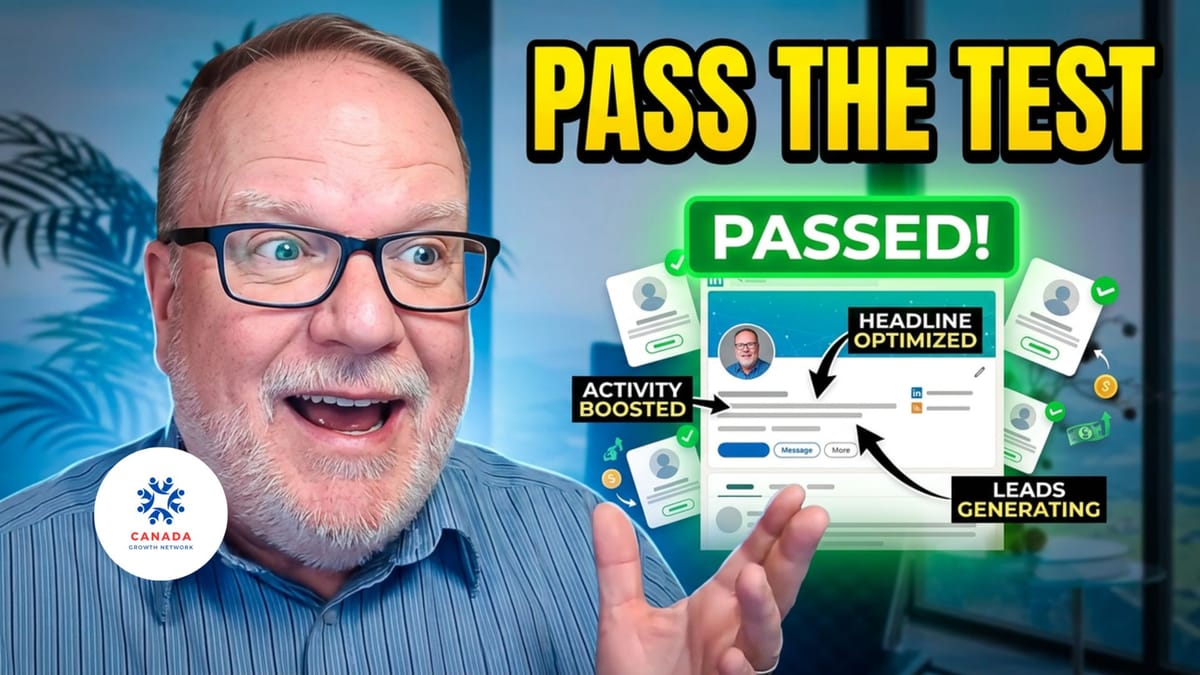
Hosts: Percy Barr, Wayne Pratt and Bernie Franzgrote
Tony K Silver shows CGN Power Hour how to fix LinkedIn profiles that aren't working — keywords, banners, Boolean search, and the Feature section. S2E012.
GROWTH CATEGORY: Marketing & Branding
Your LinkedIn profile has seven seconds. Most profiles waste all of them.
That's not an opinion. It's what the data shows — and it's what Tony K Silver opened with when he joined the Canada Growth Network Power Hour for Season 2, Episode 012.
Tony is a LinkedIn trainer and speaker who helps business owners and professionals stop being invisible on the platform. His session was direct, practical, and immediately useful. No theory. No selling. Just a clear breakdown of what's working, what isn't, and what to fix.
Watch the full conversation here:
Who This Is For
SMB owners who are active on LinkedIn but not seeing results. Solopreneurs who built a profile and haven't touched it since. Leaders using LinkedIn for business development who know something isn't working. Anyone who wants to be found by the right people on the world's largest professional network.
Key Lessons
1. The first seven seconds determine everything
When someone lands on your profile, three things are visible immediately — your banner, your headshot, and your headline. Tony is clear: your banner should answer one question for the viewer. Not who you are. What you can do for them. If that answer isn't there in the first few seconds, most people leave.
Your headshot matters more than most people realize. Around 70% of LinkedIn users are on mobile. Small screen. If your face isn't clearly visible — if there's too much body, too much background — the human connection doesn't happen. Tony's standard: they should be able to see the whites of your eyes.
Your headline gives you 220 characters. Most people use it like a business card. It should work like a search result — written for the person you want to find you, with keywords they would actually type.
2. LinkedIn is a search engine — treat it like one
Keywords run through everything on LinkedIn. Your headline, your About section, your posts — they all signal to the algorithm who you are and who should find you. Tony walked through two tools most people skip entirely.
The first is Boolean search. Free. Available to every LinkedIn user. Put your search term in quotation marks and LinkedIn searches for those words together — not just anywhere in a profile. It tightens results dramatically. Combined with the All Filters button, you can get highly targeted without paying for premium.
The second is staying in your lane. If you post about topics outside your niche, LinkedIn checks your profile keywords against your content. If they don't match, the algorithm quietly buries your posts. Pick one or two areas. Own them. Build everything around them.
3. The Feature section is the most powerful tool most people ignore
Tony called it the best section LinkedIn ever added. It lets you place links, articles, and media directly on your profile — and update them any time. Tony treats it as a live window into what he's working on. Event coming up? It's featured. Event ends? It's replaced. The section stays current without rebuilding anything.
To find it: click "Add profile section" near the top of your profile. It appears under Recommended. Add it today.
Practical Steps
- Rewrite your banner — one sentence, focused entirely on what you do for your client, not about you
- Audit your headline — does it include keywords your ideal client would search? If not, rewrite it
- Find and activate your Feature section — add at least one link, article, or piece of media this week
About Tony K Silver
Tony K Silver is a LinkedIn trainer and speaker who helps business owners and professionals turn underperforming profiles into active networking and lead generation tools. He works through workshops, group sessions, and one-on-one training.
His current offer — the LinkedIn Silver Academy (Learner Level) — includes a profile ranking report, monthly 30-minute training webinar, private LinkedIn group, resource library, and weekly LinkedIn updates. £25/month.
Visit tonyksilver.com | Connect on LinkedIn | Explore The Silver Voice | Email tony@tonyksilver.com
Listen on Audio
- Listen to the full session
- Watch on YouTube
- Attend the Monday Power Hour free
- Join Canada Growth Network — full GHL CRM + community. $1 CAD first month. $47 CAD/month. No lock-in.
- Try Web Indexer — find K4B episodes faster + book a meeting
- Gentry Learning — real estate investing platform
- Property Wizard podcast by Gentry Learning
What's the one part of your LinkedIn profile you've been avoiding? Drop it in the comments.
FAQ
Why isn't my LinkedIn profile showing up in searches? Most profiles miss the keyword layer entirely. Your headline and About section need to include the specific words your ideal client would type into LinkedIn search. If those words aren't there, the algorithm has no reason to surface your profile.
Do I need a premium LinkedIn account to get results? No. Tony walked through Boolean search and the All Filters tool — both free, both powerful. Premium adds features, but the fundamentals of a strong, visible profile work on any account level.
How often should I update my LinkedIn profile? Your core sections — banner, headline, About — don't need constant changes. But your Feature section should be updated regularly. Tony treats it like a live billboard. Keep it current and it keeps working for you.