The Disaster Your Business Isn't Ready For | ETW with Josh Lamb
Josh Lamb of Sterling Grace Technologies joined East Trade Winds to break down disaster recovery, phishing attacks, and backup strategy for SMB owners. One session could save your business.

Hosts: Wayne Pratt, Percy Barr and Bernie Franzgrote
Josh Lamb of Sterling Grace Technologies breaks down disaster recovery, phishing, and backup strategy for small business owners. ETW S3E030.
GROWTH CATEGORY: Cybersecurity & IT
Most small businesses don't have a disaster recovery plan. They have a plan to make one. Josh Lamb has seen what happens when the plan never gets made — and he came to East Trade Winds to make sure it doesn't happen to you.
Watch the full conversation here:
WHO THIS IS FOR
SMB owners / Solopreneurs / Corporate escapees / Leaders building systems
If your IT safety net depends on someone remembering to do something — this session is for you.
Key Lessons
The plan only works if it exists before the disaster.
Josh opened with a real client story. A server room. An AC unit. A clogged evaporation vent nobody checked. Twelve hours of water damage to fifty thousand dollars of equipment overnight. The business survived because an automated offsite backup was already in place. Without it, the recovery would have been catastrophic. Disaster recovery isn't about predicting what will go wrong. It's about deciding in advance what you'll do when it does.
Phishing attacks are designed to work on careful people.
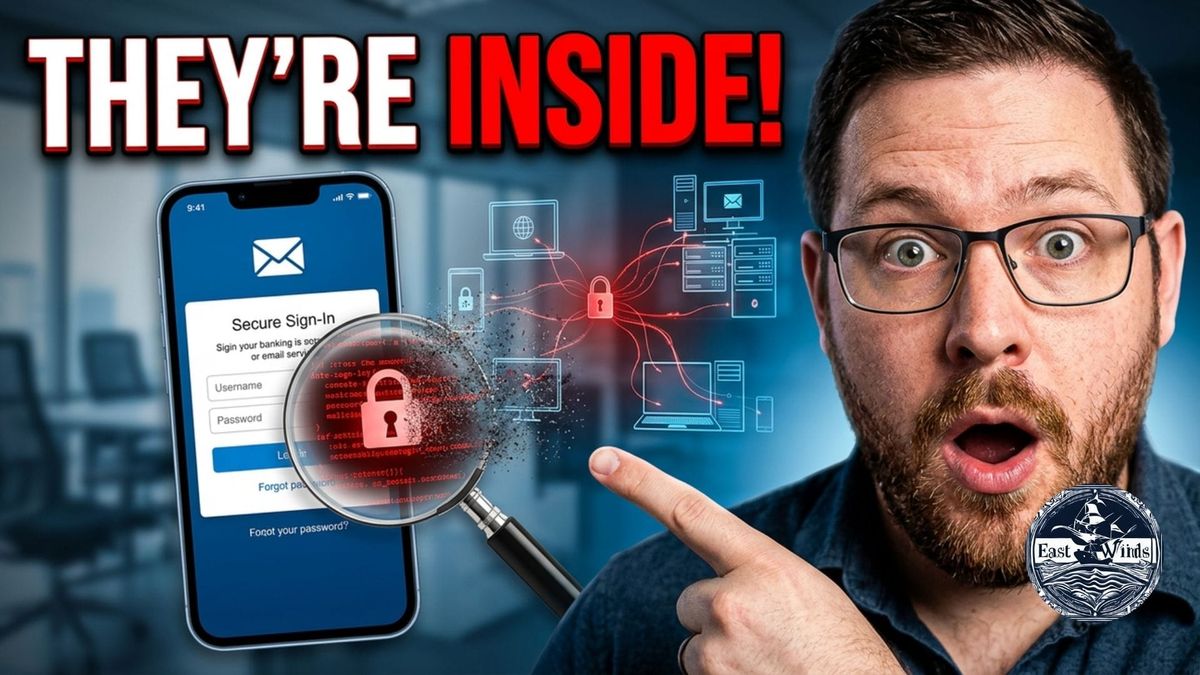
The goal of a phishing email isn't to fool everyone. It's to find the one person who is slightly distracted. Josh walked through a real example — a fake Apple ID update email with a sender address that wasn't apple.com, a generic greeting, and slightly unnatural wording. Attackers harvest your credentials, redirect you to the real site, and you don't know anything happened. The tell-tale signs are subtle. Training yourself and your team to look for them is one of the cheapest defences available.
Your recovery speed is a business decision, not a tech decision.
Josh laid out the math clearly. A cloud-only recovery for a business with significant data could take 24 hours. A local backup server combined with offsite cloud storage can cut that to four. When a morning offline costs five figures, that four-hour difference has a real dollar value. The right backup architecture isn't a tech question. It's a cost-benefit decision every business owner can make once they understand the numbers.
Practical Steps
- Audit your backup this week. When was it last tested? Is it automated? If a person has to remember to run it, it will eventually fail.
- Set up two-factor authentication on every critical account — email, banking, CRM, cloud storage. Use Google Authenticator or Microsoft Authenticator.
- Install a password manager. One unique, auto-generated password per site. One master key with two-factor authentication. No more reusing the same password across platforms.
About the Guest
Josh Lamb is the founder of Sterling Grace Technologies, a managed service provider serving small and medium-sized businesses across Eastern Ontario. His team of six provides proactive IT support, disaster recovery planning, network administration, and long-term technology partnerships built on clear communication and practical solutions. Josh's approach is human-first — no unnecessary complexity, no tech theatre. Just systems that work and teams that know what to do when they don't.
Listen on Audio
- Listen now
- Comment on the East Trade Winds LinkedIn page
- Web Indexer — find K4B episodes faster and book a meeting
- Join Canada Growth Network — full GHL CRM and community. $1 CAD first month. $47 CAD/month. No lock-in.
- Subscribe to the K4B blog — episode recaps and business insights delivered free
- Search episodes by topic — press the ? on the K4B site to use the chatbot
- Join East Trade Winds free — Tuesdays 8–9 AM EST
FAQ
Q: What is disaster recovery planning and does my small business really need it? Disaster recovery planning is a documented strategy for how your business gets back to normal after a data loss event — whether that's a flood, a cyberattack, hardware failure, or human error. If your business depends on data to operate, the answer is yes.
Q: What's the difference between a local backup and a cloud backup? A local backup stores your data on a server at your location. A cloud backup stores it offsite on a remote server. Local backups offer faster recovery times. Cloud backups protect against physical disasters. A hybrid approach — local plus cloud — gives you both speed and security.
Q: How do I know if an email is a phishing attempt? Check the sender's email address carefully — not just the display name. Look for generic greetings, urgent language, and slightly unnatural wording. Hover over any links before clicking. When in doubt, go directly to the website rather than clicking the link in the email.