I Built a Wiki-Based AI Operating System | Erica Layer
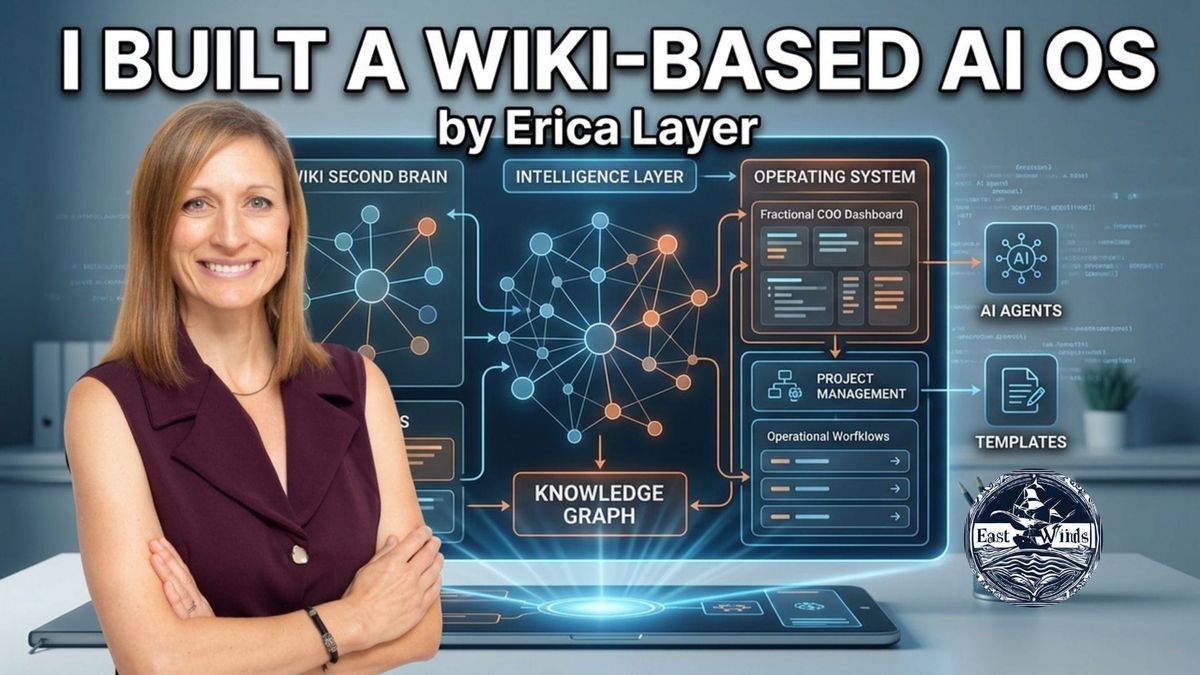
Fractional COO Erica Layer shows the AI operating system she built in three months. Daily planning, a second brain, and a weekly intelligence sweep.

Hosts: Percy Barr, Wayne Pratt and Bernie Franzgrote
AI operating system for solo consultants. Erica Layer walks East Trade Winds through her daily assistant, dashboard, second brain, and intelligence sweep.
GROWTH CATEGORY: AI & Automation
Most people are still using AI like a chat tool. Open a window. Type a question. Copy the answer.
Erica Layer does something different. She built an operating system around it.
In three months, AI shifted from a tool she chats with to a teammate that works alongside her.
This is what that looks like in practice.
Watch the full conversation here:
Who This Is For
Solopreneurs. Fractional executives. SMB owners. Corporate escapees building systems.
Key Lessons
1. AI works with you when it has deep context.
Erica's whole system runs on context, not clever prompts. Her Obsidian second brain holds over 100 LinkedIn posts, past publications, strategy documents, meeting transcripts, and weekly intelligence — all connected as a wiki. Every time she works with AI, it pulls from this. That's why the outputs feel like her, not a generic chatbot.
2. The morning routine is the unlock.
She types "plan my day." AI pulls her email, calendar, and meeting transcripts. It files messages, drafts replies, surfaces tasks, and blocks deep work into her calendar. By the time she finishes her coffee, 80% of the work is done. The system runs the admin so she can run the strategy.
3. Context engineering beats prompt engineering.
The conversation around AI is shifting. It's no longer about writing the perfect prompt. It's about giving AI deep, structured context about who you are and what you're trying to do. Erica's intelligence profile spells out her clients, her positioning, the questions she's grappling with. Every agent reads it before doing any work.
Practical Steps
- Pick the smallest piece of admin to hand off first. Email triage, meeting summaries, or weekly task surfacing. Don't try to automate everything at once.
- Build a context file. Write a one-page document about yourself, your business, your clients, and the questions you're working on. Use it every time you start an AI session.
- Document as you go. When AI does work for you, ask it to summarise what it did and save it. That summary becomes context for the next round.
About the Guest
Erica Layer is a fractional COO and the founder of The COO Solution. She helps overwhelmed founders stop drowning in day-to-day work and start running strong, scalable companies. Many leaders get stuck because they are the bottleneck — decisions wait on them, ops clog up, progress slows. Erica builds the systems, alignment, and momentum that free CEOs to lead with confidence.
Connect: LinkedIn | YouTube | Substack | AI on Purpose cohort waiting list
Listen on Audio
Listen on Simplecast
Browse all episode
FAQ
Q: What is context engineering?
It's the practice of giving AI deep, structured information about who you are and what you're trying to do — before you ask it anything. It replaces the older focus on writing perfect prompts.
Q: What tools does Erica use?
Claude (Code, Co-work, and the Chrome extension), Obsidian for the second brain, Granola for meeting transcripts, and Google Workspace for calendar, tasks, and drive.
Q: Where should a solopreneur start?
Pick one piece of admin you do every day. Email triage is a common starting point. Build context first. Automate second.